Please refer to “How to check your Primary Mail Address” and make a note of your Kyushu University Primary Mail Address in advance. There are many inquiries about error messages cause by mistakes such as forgetting to include “@m” or “@s” to your email address. Be sure to check your email address without relying on your memory.
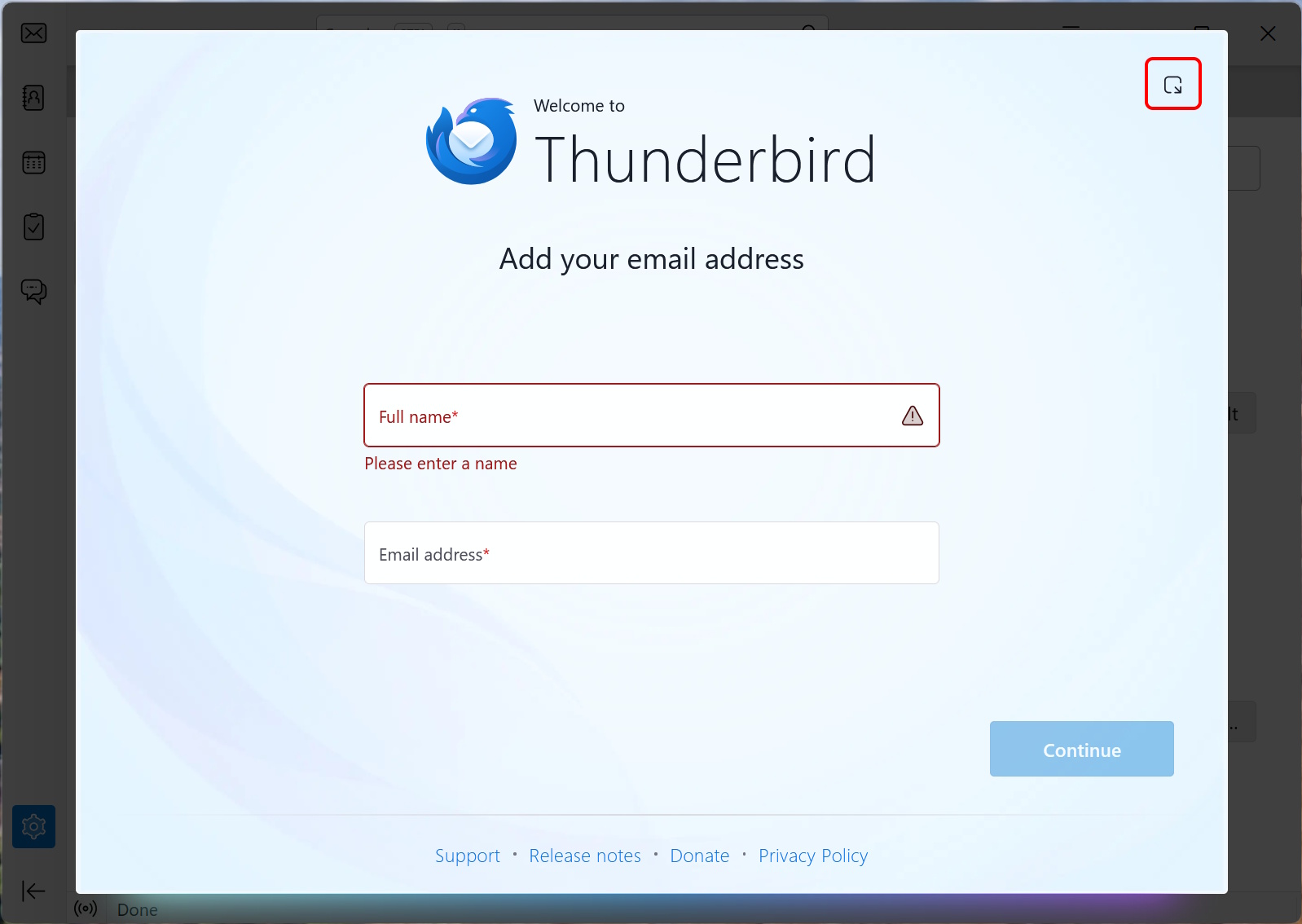
Launch Thunderbird. If the “Welcome to Thunderbird” screen appears on first launch, click the icon in the upper-right corner to minimize it.
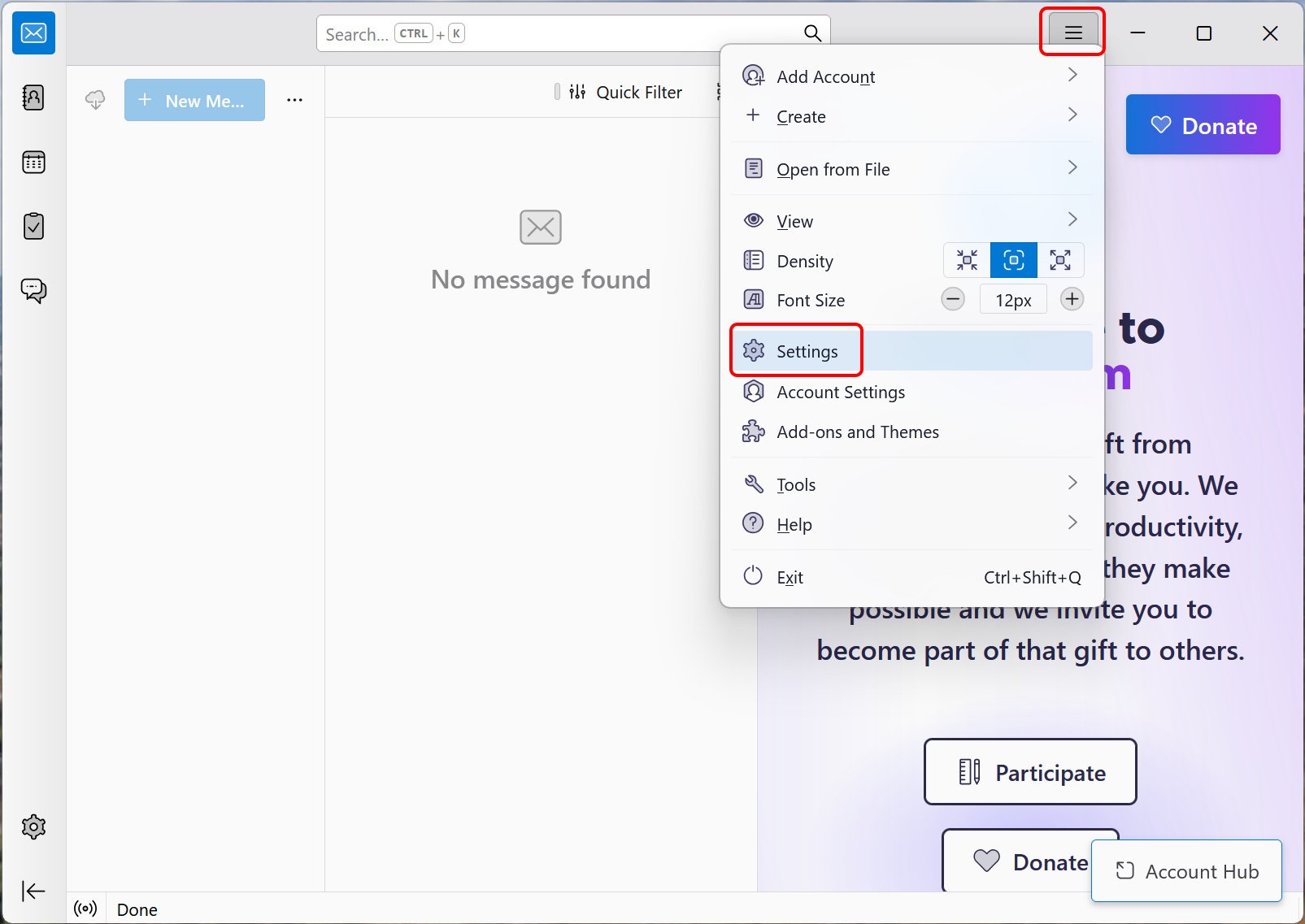
OAuth 2.0 authentication requires web cookies, so make sure that it is enabled. Click the top right icon and click “Settings”.
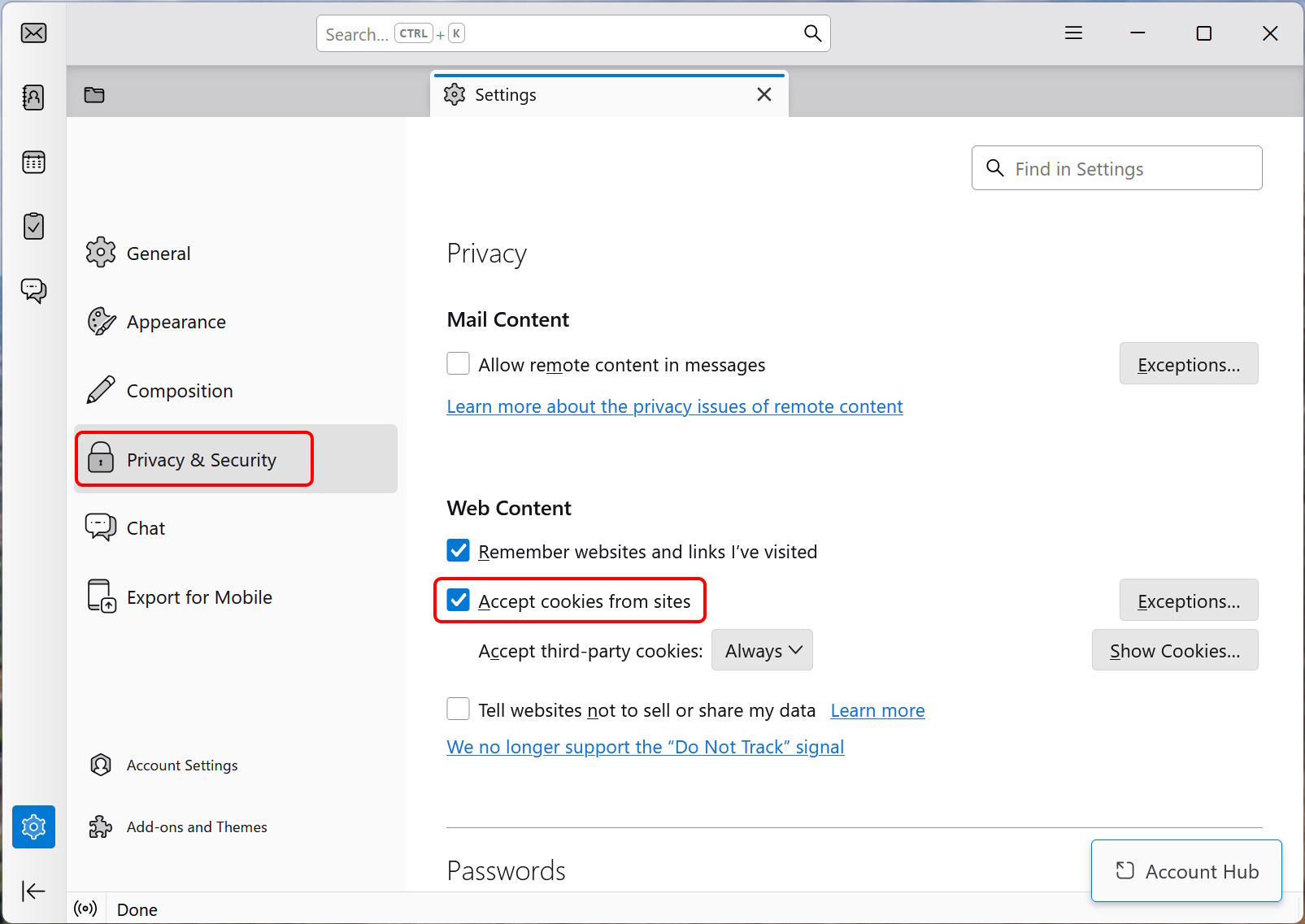
Click “Privacy & Security” and enable (check) “Accept cookies from sites”. Close the Settings tab.
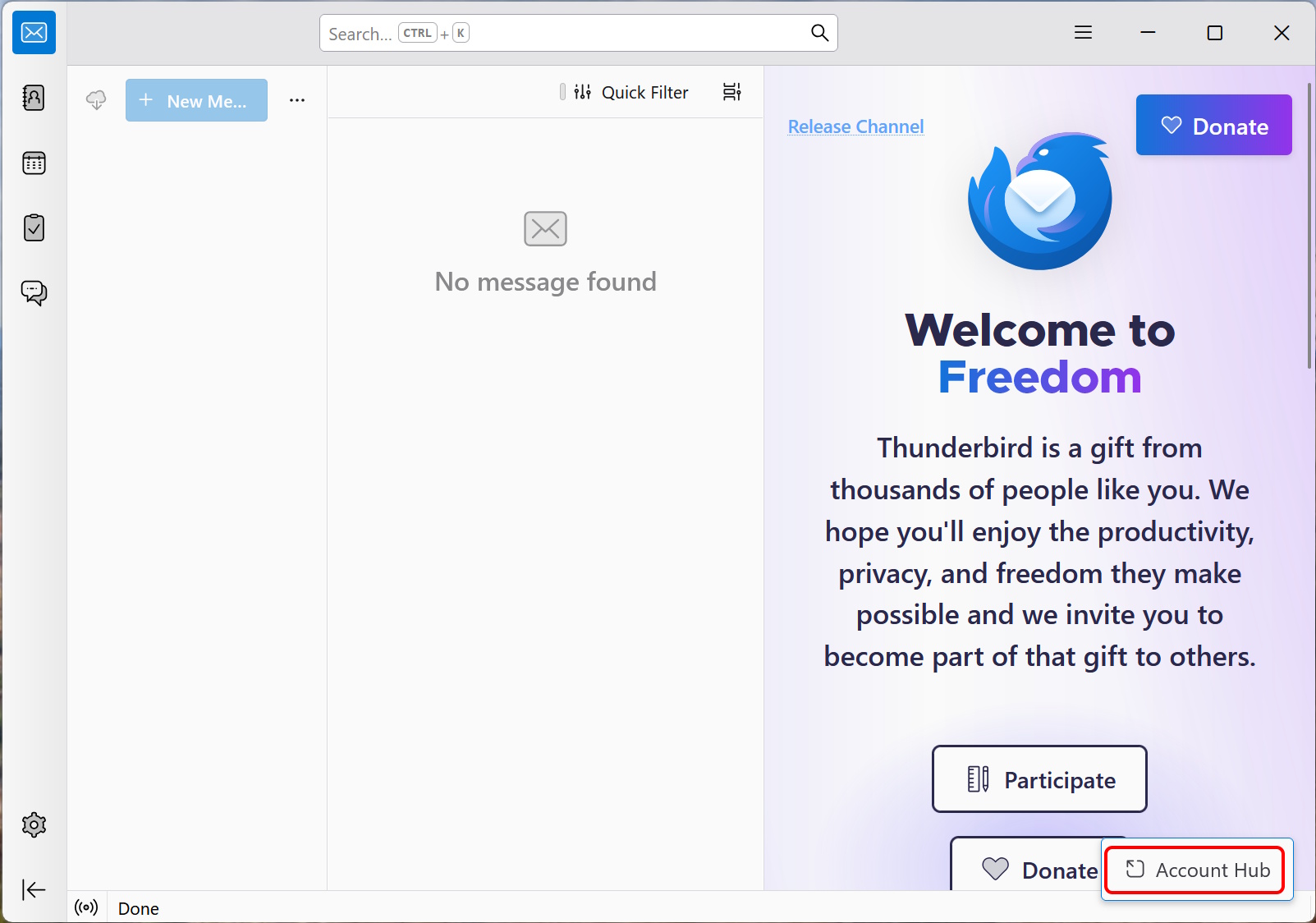
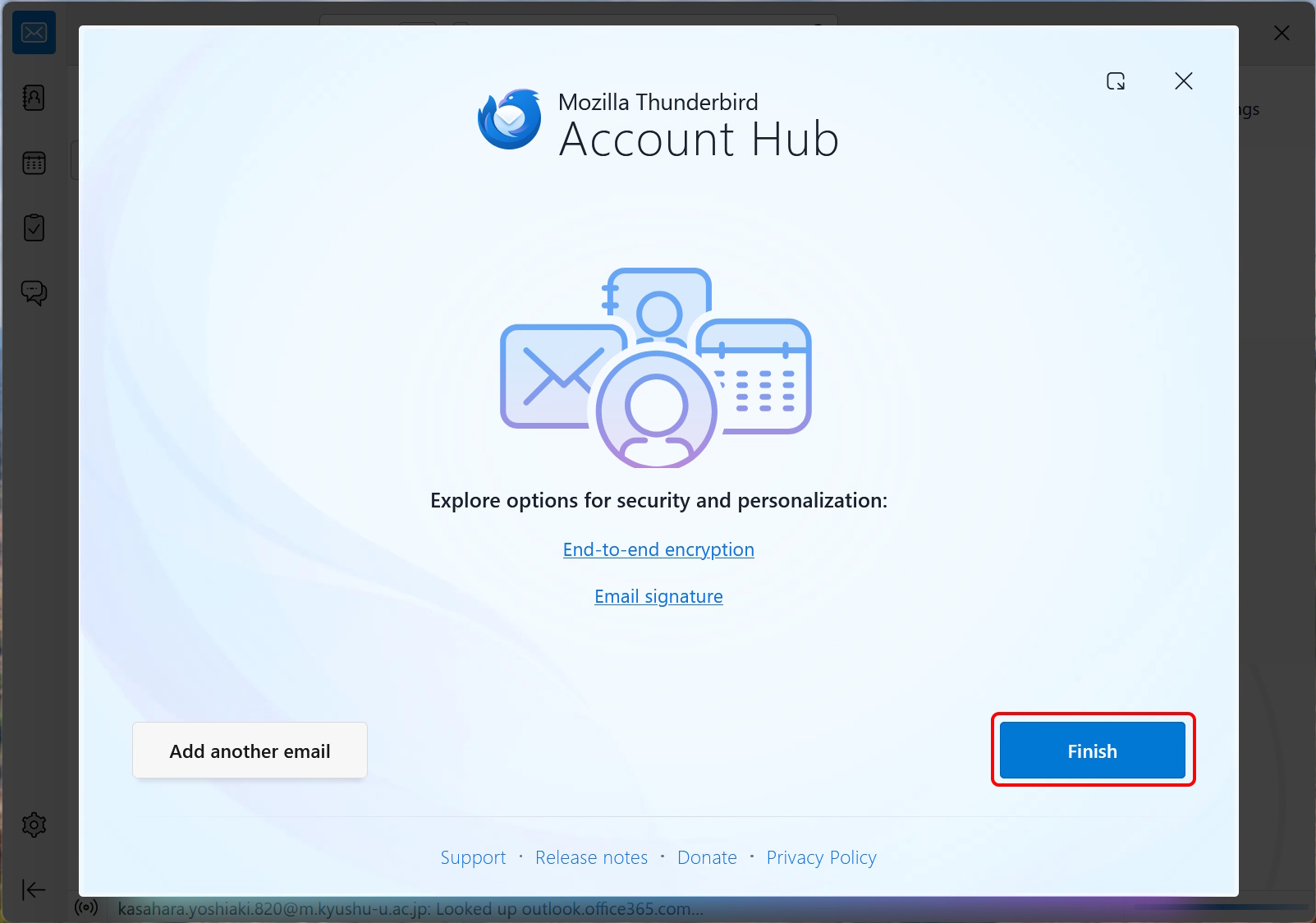
If you minimized the “Welcome” window in Step 1, click the “Account Hub” in the lower-right corner of the screen.
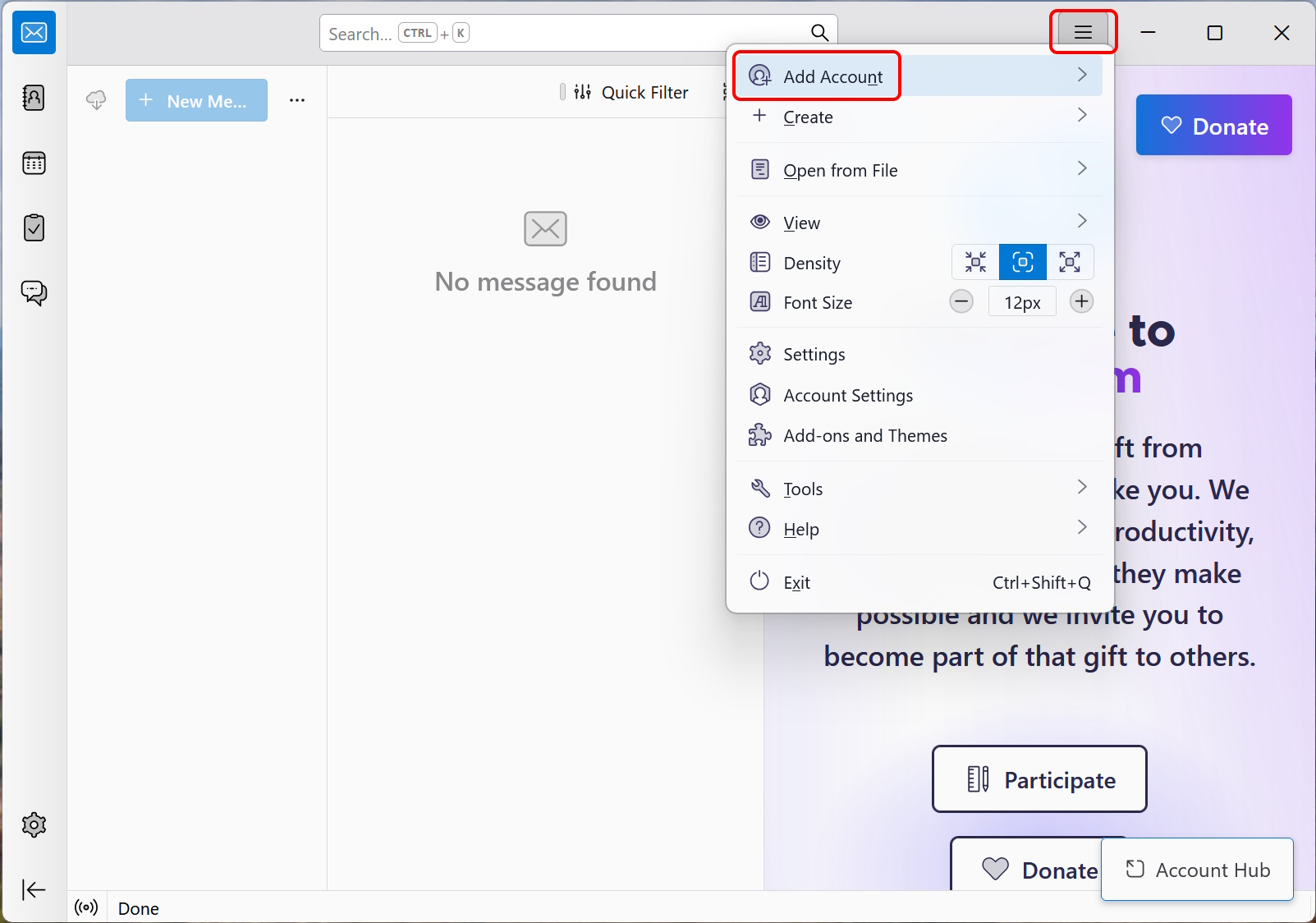
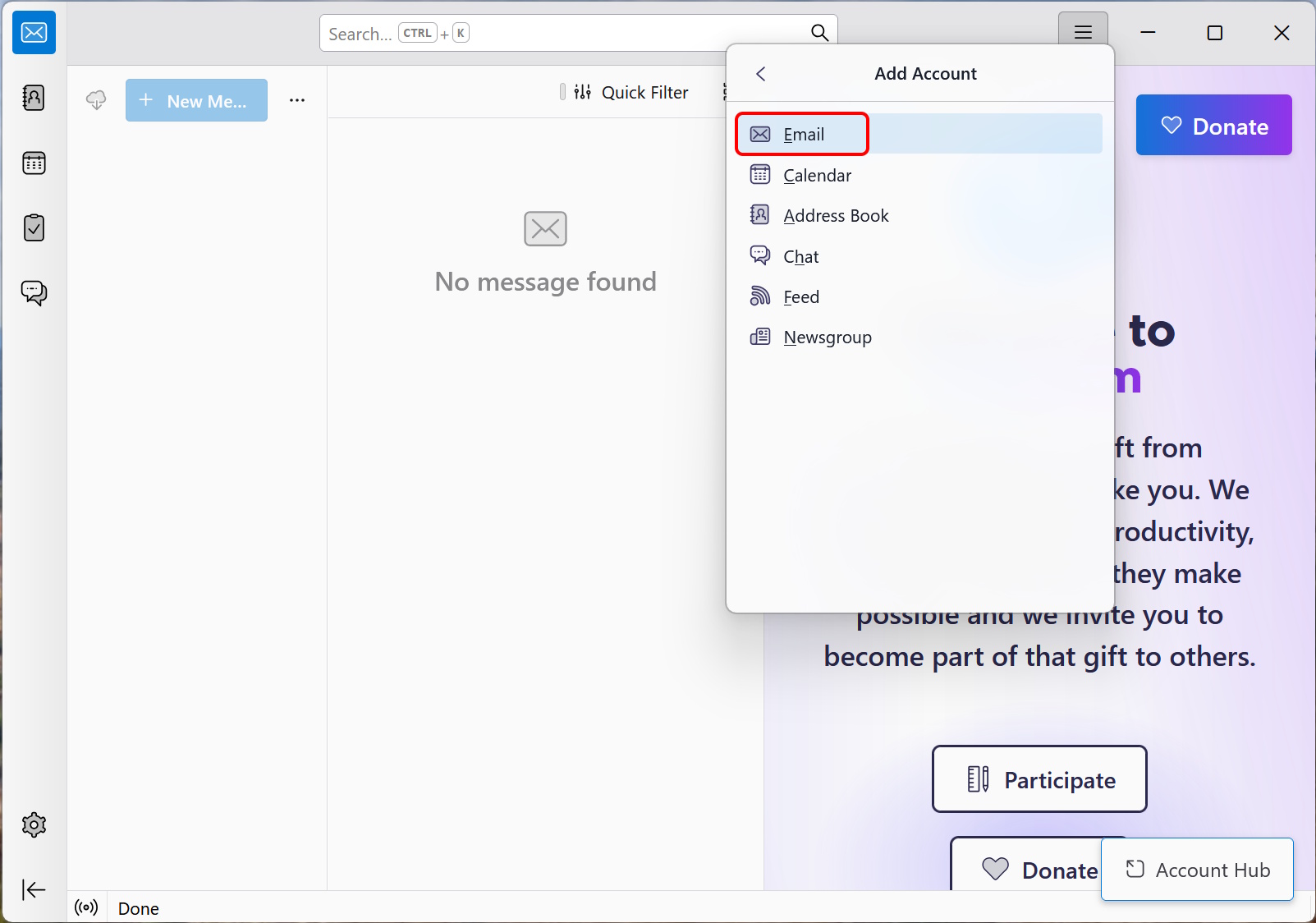
Otherwise, click the three-line menu icon in the upper-right corner of the screen, click “Add Account,” and click “Email."
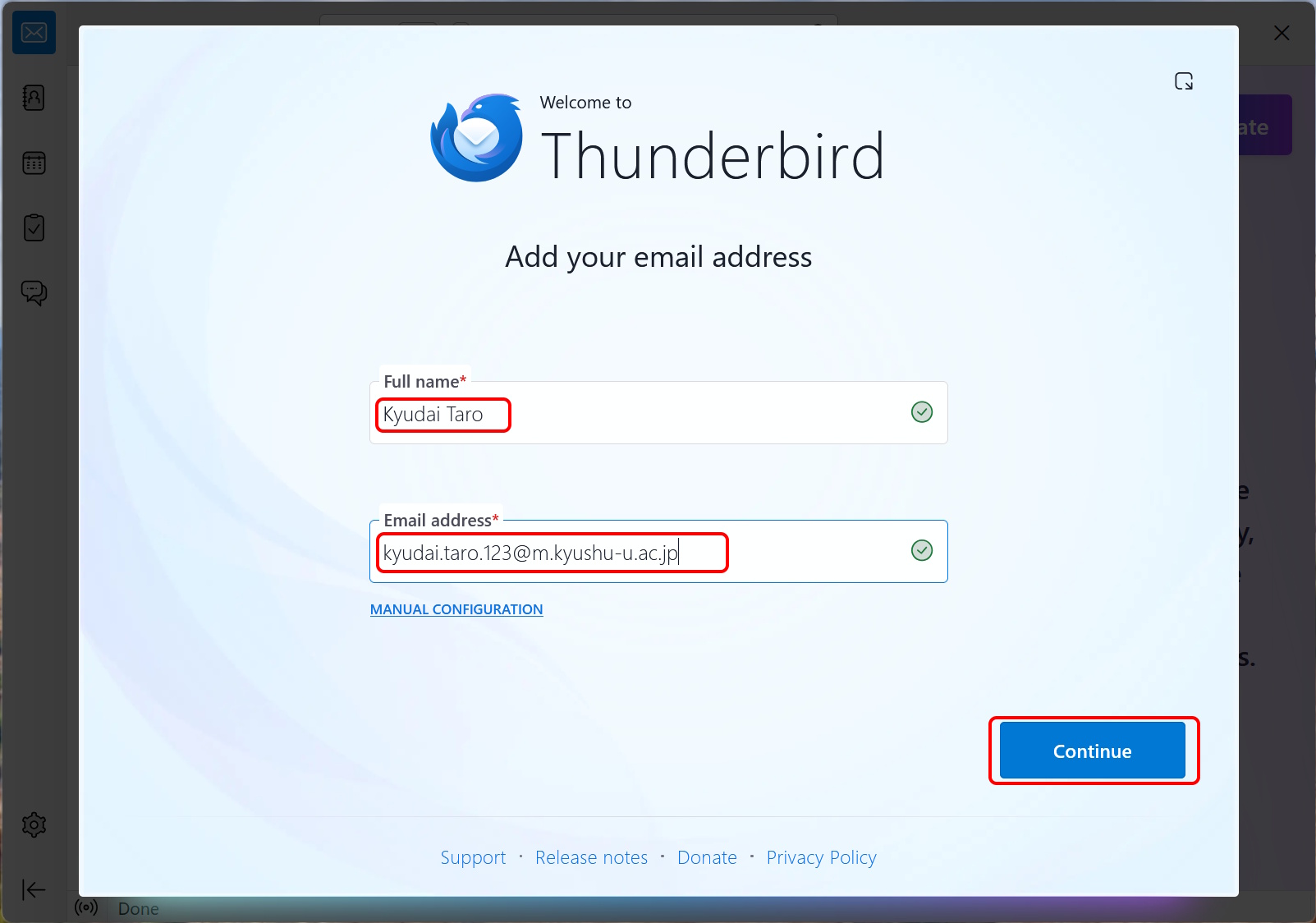
Enter your full name and your Primary Mail Address noted in step 0, and click “Continue."
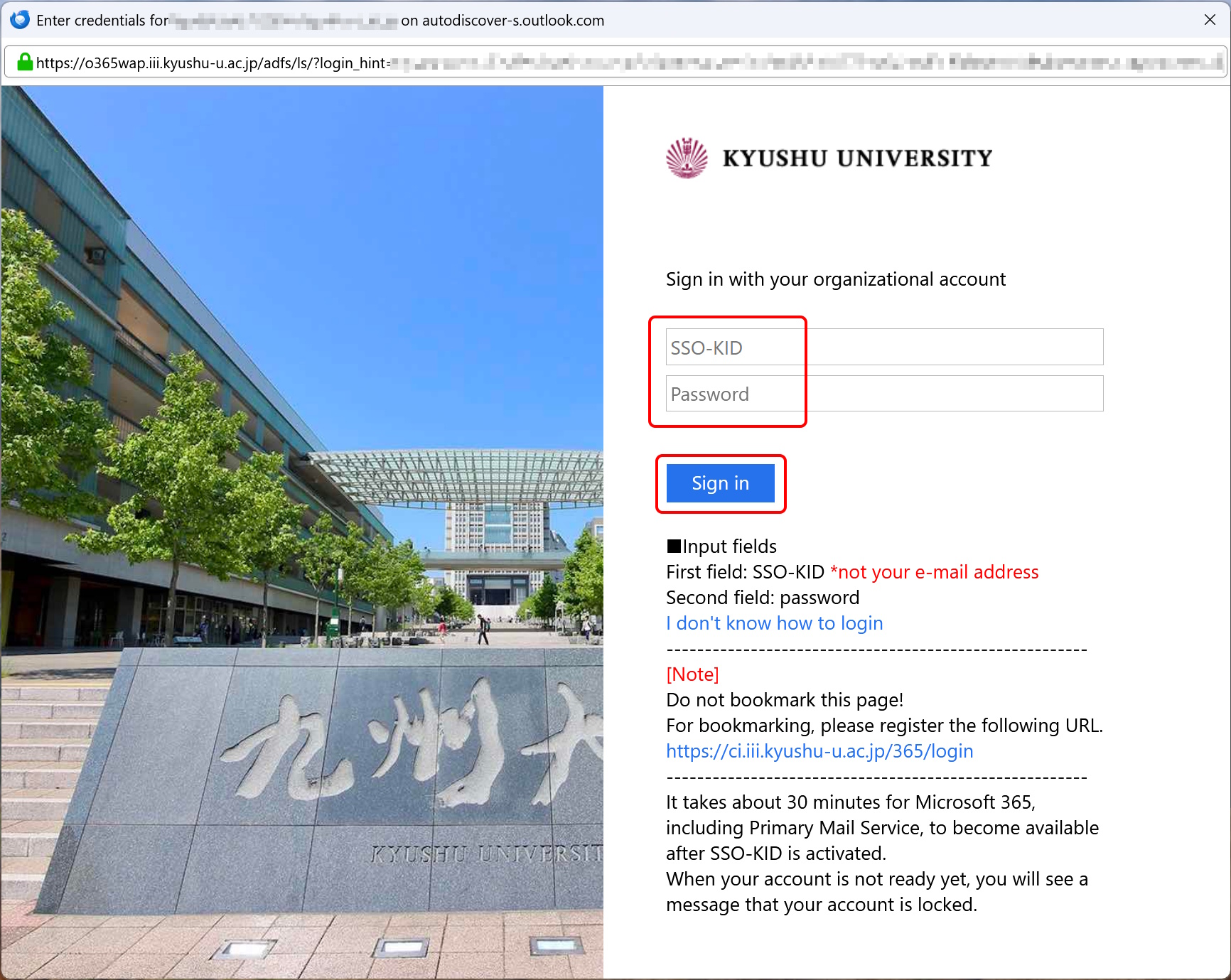
Enter your SSO-KID and password, and click “Sign in."
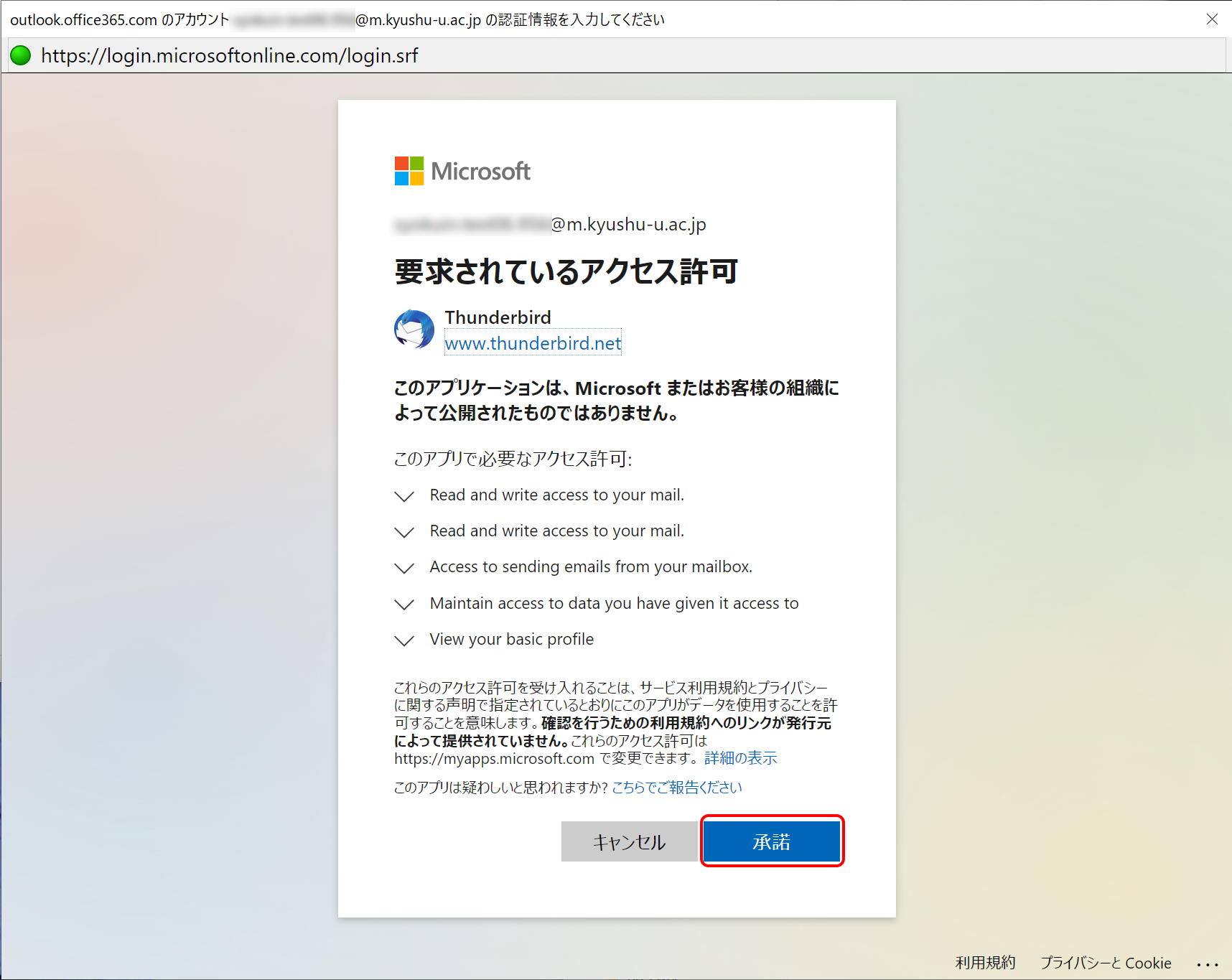
If Thunderbird requests permissions to access your mail, click “Accept.” (It may not be asked in some cases.)
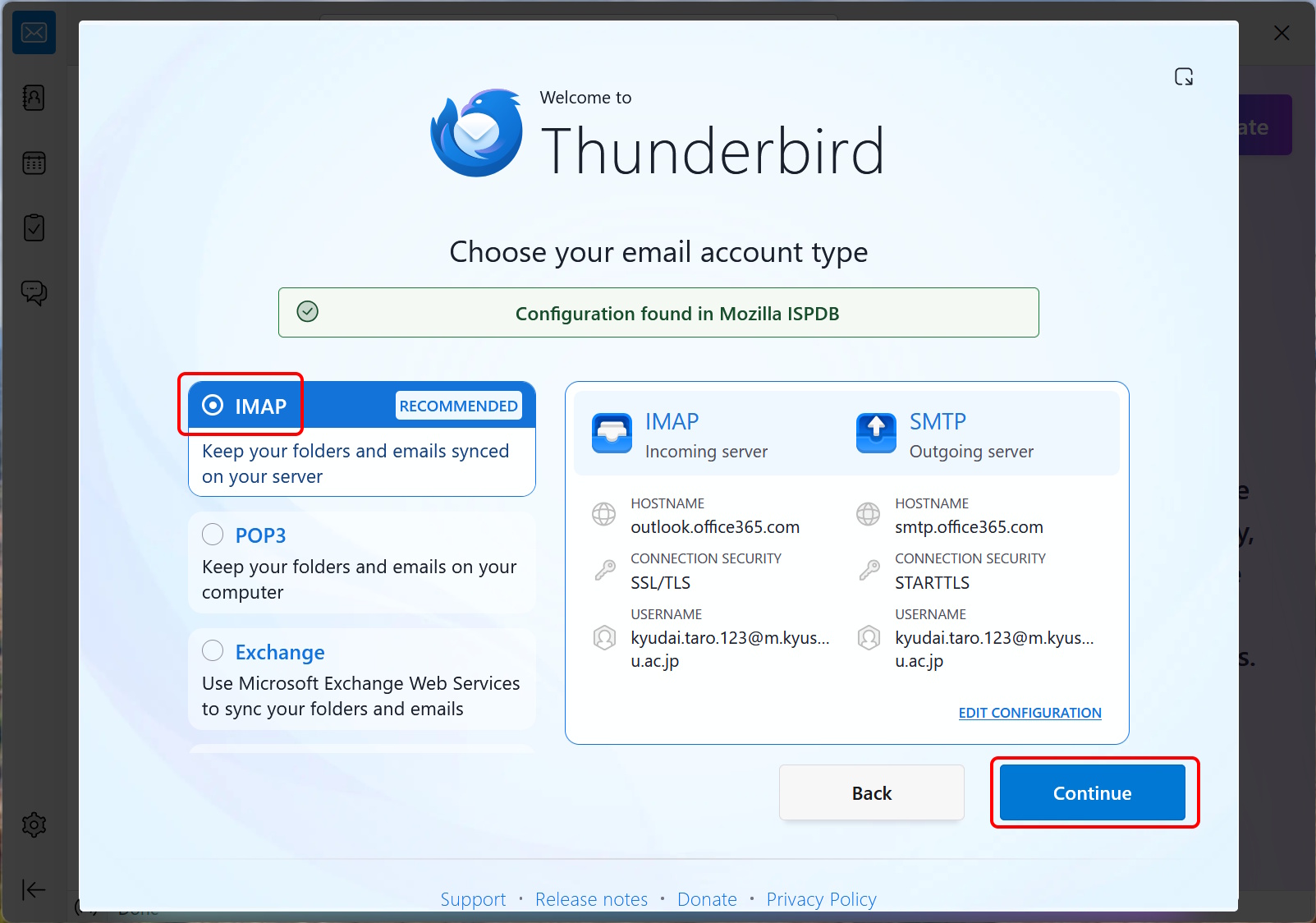
Make sure that the “IMAP” is selected, and click “Continue."